navigation

For something that literally spells out what it does, configure, price, quote software comes in a surprising number of shapes.
Some solutions are built around sales reps working in a CRM. Others bring quoting into the online buying experience. Dedicated CPQ tools take another approach, connecting to your existing CRM and ERP systems.
Which approach is right for your business? We compare five CPQ software solutions for 2027, looking at how they work and which B2B sales processes they’re best suited for.
What Is CPQ Software?
Configure, price, quote (CPQ) software helps businesses configure products and calculate the right price before generating a sales quote.
For example, a manufacturer selling industrial equipment can use CPQ to check which components work together and calculate the price based on the customer’s contract.
The main benefits include:
- Faster quoting: A 2026 Simon-Kucher study found that CPQ reduced the time from sales lead to quote by 27%.
- Fewer pricing errors: Automated pricing rules help sales reps apply the correct contract prices and discounts.
- Better control over margins: Approval workflows help businesses manage discounts and prevent unauthorized price changes.
Essential Features to Look for in CPQ Software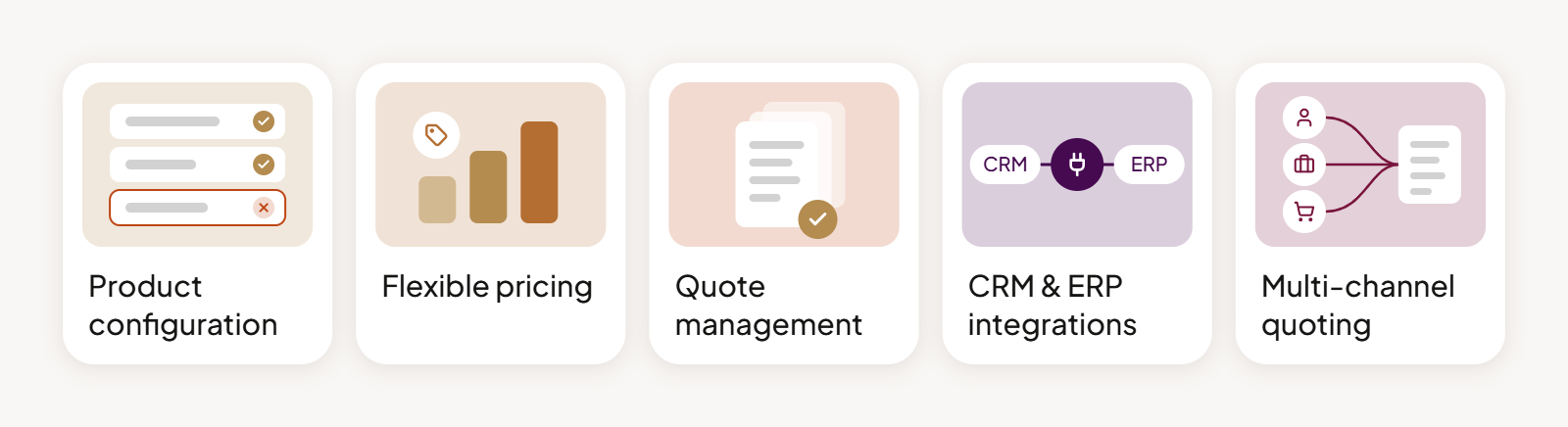
The features you need will depend on what you’re selling and how your quoting process works. Here are five capabilities worth checking when comparing CPQ solutions:
- Product configuration: Supports different product options and prevents incompatible combinations.
- Flexible pricing: Applies customer-specific prices, volume discounts, and pricing rules.
- Quote management: Handles quote revisions, approval workflows, and quote-to-order conversion.
- CRM and ERP integrations: Connects quoting with customer records, pricing data, and product availability.
- Multi-channel quoting: Allows sales reps, channel partners, and customers to request or create quotes, depending on the solution.
Where Should CPQ Live?
Who creates the quotes can influence where CPQ fits into your business. If sales reps handle most requests, they may prefer working within their customer relationship management (CRM) system. If customers initiate quotes online, those capabilities need to be accessible through your B2B eCommerce platform.
Both approaches still rely on information from other systems, particularly product data and pricing logic from enterprise resource planning (ERP) software. Dedicated CPQ tools offer another option, handling configuration and quoting while connecting to your existing systems.
Here’s how these approaches compare.
| Approach | How it works | Solutions |
|---|---|---|
| CRM-based CPQ | Quoting is closely tied to sales opportunities and customer data. Best when sales reps manage most deals. | Salesforce Revenue Cloud |
| Dedicated CPQ software | A specialized application that integrates with CRM, ERP, and other systems. Particularly useful for advanced product configuration. | Experlogix, Oracle CPQ, SAP CPQ |
| Commerce-based CPQ | Quoting is built into the online buying process, connecting customer self-service with sales-led negotiations. | OroCommerce |
5 CPQ Solutions Compared: Features, Strengths, and Limitations
We’ve selected five CPQ solutions that take different approaches to quoting, from dedicated tools to platforms with built-in CPQ capabilities.
Let’s look at how they compare and which businesses they’re best suited for.
OroCommerce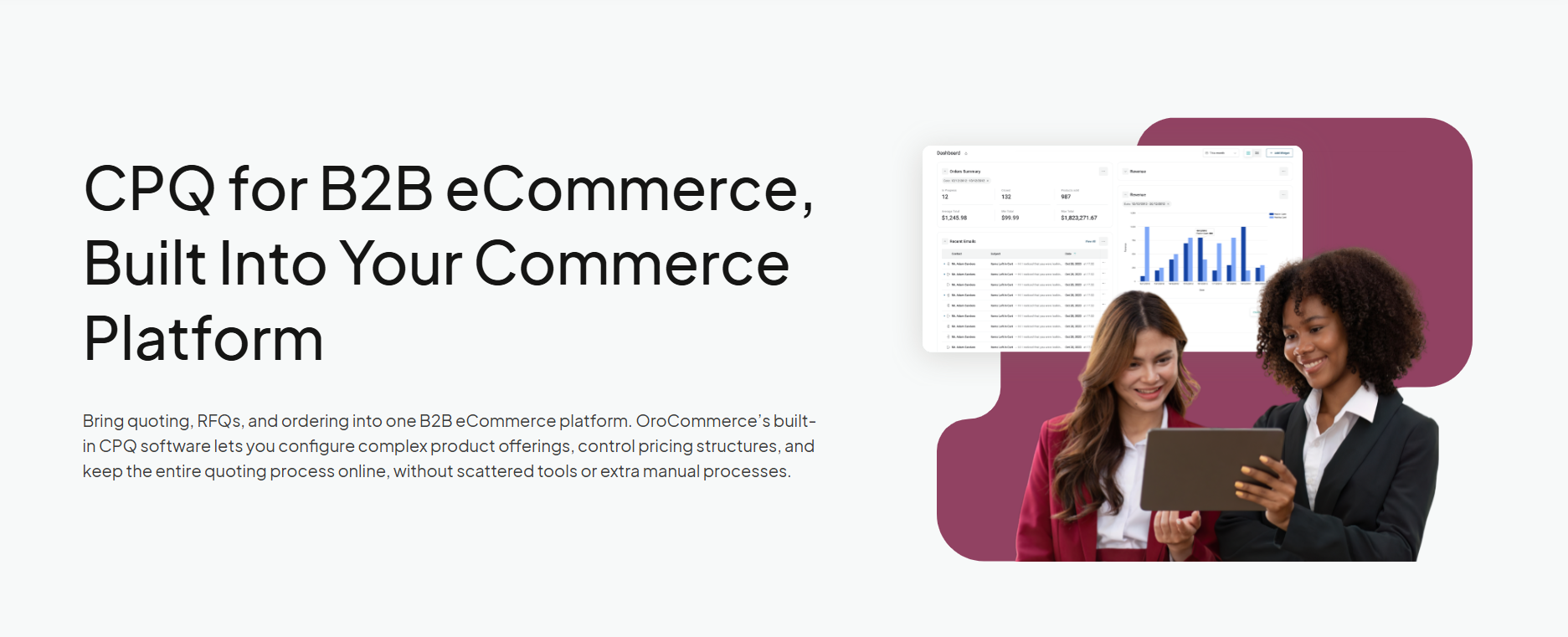
OroCommerce takes a different approach to CPQ by building it into its B2B eCommerce platform. Customers can request quotes directly from the online store, while sales reps manage negotiations and pricing in the back office. Once both sides agree on the terms, the quote can become an order in one click.
The platform also includes a built-in CRM and Quote API, connecting quoting with sales opportunities and external systems, including partner portals.
Best for
Manufacturers and distributors that want to combine sales-led quoting with online self-service, particularly those managing customer-specific pricing and negotiated orders.
Key features
- Product configuration: Supports configurable product variants, kits, and bundles.
- Flexible pricing: Customer-specific price lists, volume discounts, and rule-based pricing help maintain consistent pricing across sales channels.
- Multi-channel quoting: Customers and guests can submit RFQs online, while sales reps can create quotes from scratch or existing opportunities. The Quote API also supports quoting through external sales tools and partner portals.
- Quote management and approvals: Supports multiple offers per quote line item, price-override approvals, and one-click quote-to-order conversion.
- AI assistance: OroIQ Smart Assistant, available from version 7.0.2, can help sales teams create quotes using natural-language instructions, with confirmation before changes are made.
Considerations
OroCommerce is a full B2B commerce platform, so it may be more than you need if you’re only looking for a standalone quoting tool. Businesses requiring advanced engineering configuration or dedicated subscription billing should assess whether additional solutions are needed.
Want a closer look at how quoting works in OroCommerce? Explore its integrated CPQ and RFQ capabilities.
Salesforce Agentforce Revenue Management (formerly Revenue Cloud)
Salesforce has expanded its CPQ capabilities well beyond traditional sales quoting. Agentforce Revenue Management, previously known as Salesforce Revenue Cloud, is the successor to Salesforce CPQ.
It handles product configuration and quoting within the Salesforce CRM environment, helping sales reps manage deals throughout the sales cycle.
It also supports subscription management, making it useful for businesses with recurring revenue models.
Best for
Companies already using Salesforce CRM, particularly those with direct sales teams managing complex pricing models, subscriptions, or recurring revenue.
Key features
- Product configuration: Rules-based configuration helps sales reps build compatible product bundles and generate accurate quotes for complex products.
- Pricing and approvals: Supports customer-specific pricing, volume discounts, and automated approval workflows to enforce business rules and protect profit margins.
- Subscription management: Handles one-time purchases, subscriptions, and usage-based pricing models, including renewals and amendments.
- Multiple sales channels: APIs support quoting through channel partners and self-service commerce channels, including integrations with Salesforce B2B Commerce.
- AI-powered quoting: Agentforce can help sales reps create and update quotes using natural-language prompts, reducing manual processes. These capabilities require eligible licensing and setup.
Considerations
Salesforce Revenue Cloud is sold separately but requires an existing Salesforce CRM license. Advanced capabilities and customer-facing quoting may involve additional licensing costs, so businesses should consider the full cost of the Salesforce setup.
Experlogix CPQ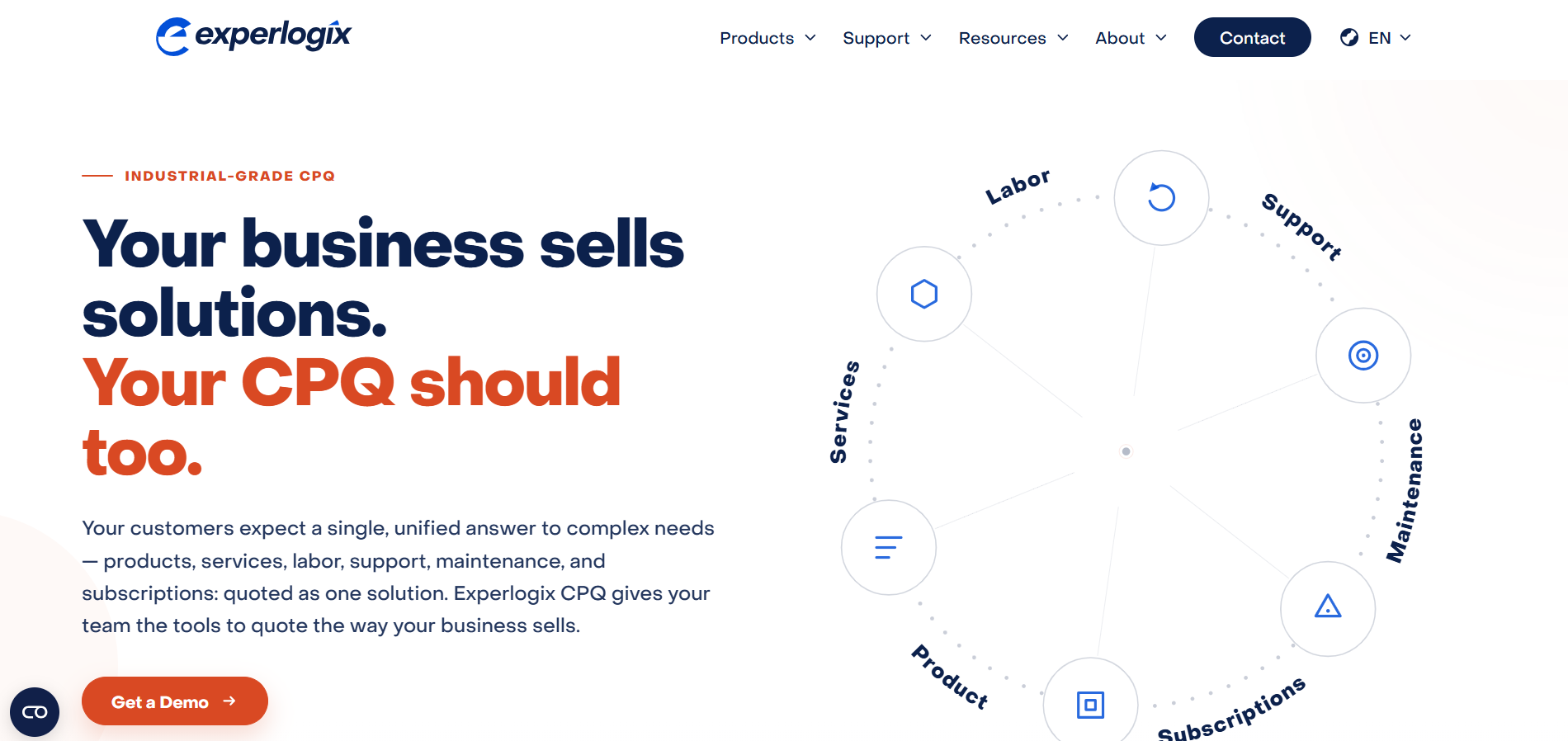
Experlogix CPQ is built for businesses selling products that come with lots of configuration options. It helps sales reps put together technically valid configurations, calculate accurate prices, and generate quotes that can move into production.
The software integrates with Microsoft Dynamics 365 and Salesforce, connecting quoting with existing CRM and ERP systems. Experlogix also offers digital commerce and dealer portal solutions for businesses that want to extend quoting beyond their direct sales team.
Best for
Manufacturers selling highly configurable products that need advanced CPQ capabilities connected to their existing CRM or ERP systems, particularly Microsoft Dynamics 365 or Salesforce.
Key features
- Guided product configuration: Helps sales reps configure complex products using predefined rules that prevent incompatible combinations.
- Pricing and approvals: Applies customer-specific pricing and discount rules, with automated workflows and pricing guardrails to protect profit margins.
- Quote generation: Creates sales quotes and proposals using CRM and pricing data. It also supports bills of materials and production routing information for manufacturing.
- CRM and ERP integrations: Connects with Salesforce and Microsoft Dynamics 365, including Sales, Business Central, and Finance & Supply Chain Management. Dynamics integrations can provide access to inventory, pricing, and product availability during quoting.
- Multi-channel quoting and AI: Experlogix offers dealer portals and digital commerce integrations for customer and channel partner quoting. AI-assisted configuration can recommend product options based on customer requirements while checking them against established rules.
Considerations
Experlogix is a dedicated CPQ product that requires integration with your existing systems. Customer-facing quoting is available through additional Experlogix portal or digital commerce products, so businesses should account for the extra licensing and implementation requirements.
Oracle CPQ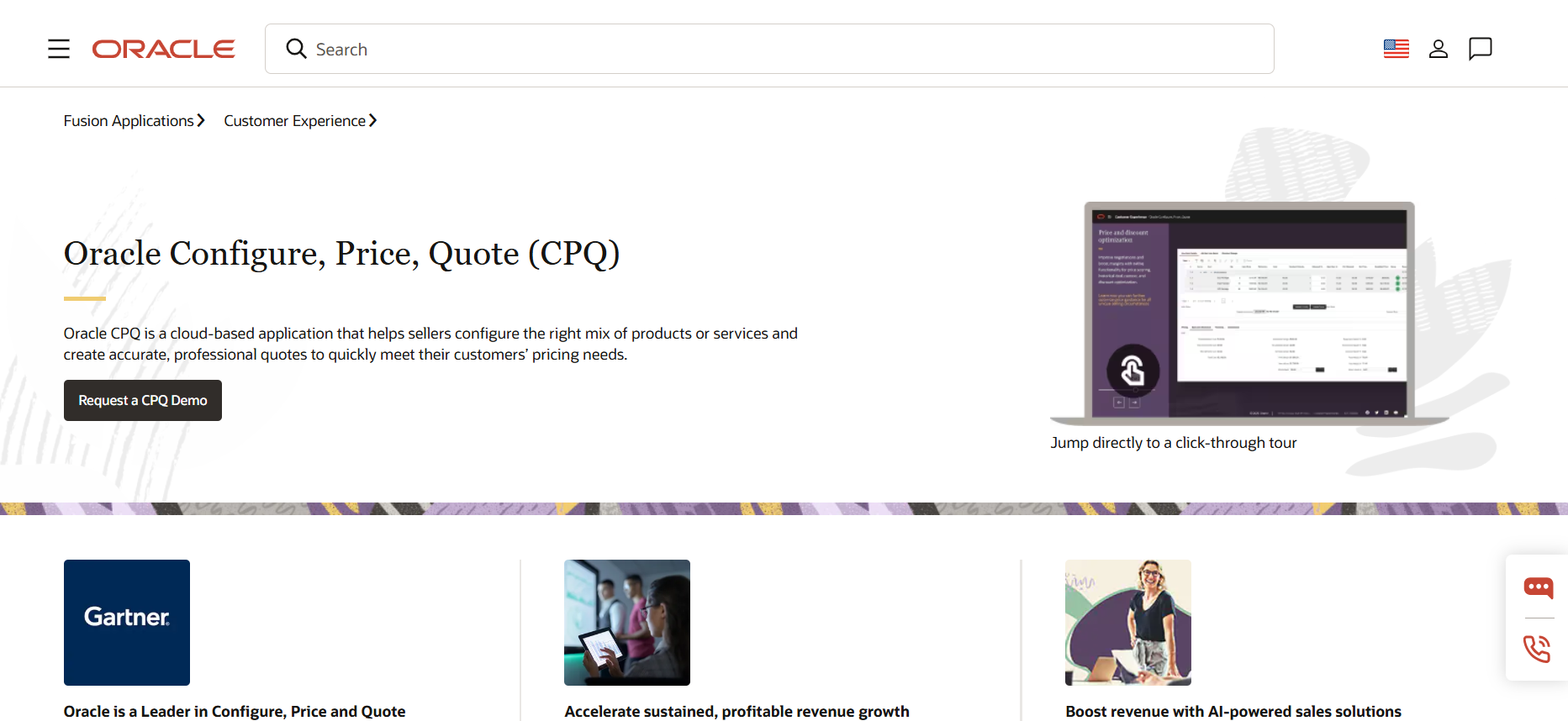
Oracle CPQ helps sales teams manage complex product configurations and pricing across large catalogs. It connects with CRM and ERP systems, including Oracle Sales and Salesforce, and supports quoting across direct sales, partner channels, and eCommerce through integrations.
Best for
Large manufacturers and enterprises managing complex product catalogs, global operations, and multiple sales channels.
Key features
- Guided configuration: Uses business rules to help sales reps build accurate configurations and avoid incompatible product combinations.
- Pricing and approvals: Supports customer-specific pricing, regional price lists, and automated discount approvals.
- Quote generation: Creates detailed quotes and proposals, with multilingual support and electronic signatures.
- Multi-channel quoting: Supports sales reps and channel partners, with customer self-service available through integration.
- AI assistance: AI agents help with product configuration and pricing recommendations. Availability depends on the Oracle CPQ deployment.
Considerations
Customer-facing quoting with Oracle CPQ usually means integrating it with a separate ecommerce platform, which adds setup and licensing. Its newer AI quoting capabilities are tied to Oracle Fusion, so check which features your deployment includes.
SAP CPQ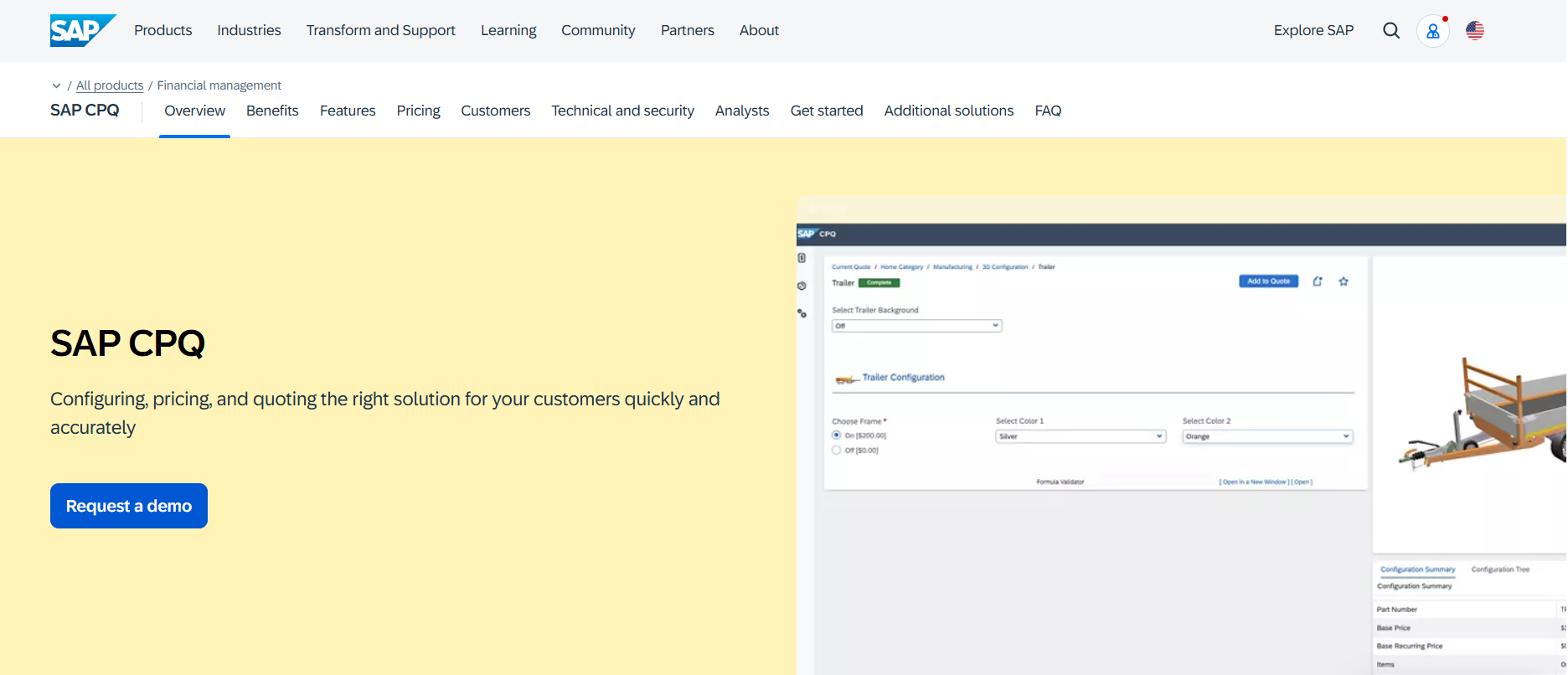
SAP CPQ helps sales teams configure complex products and generate quotes based on customer-specific pricing rules. It integrates with SAP S/4HANA and SAP Sales Cloud, connecting quoting with broader sales and order management processes.
Best for
Manufacturers already using SAP systems that need advanced product configuration and consistent pricing across multiple sales channels.
Key features
- Guided configuration: Uses product rules and existing SAP variant configuration models to help sales reps create accurate configurations.
- Pricing and approvals: Supports customer-specific pricing, discount controls, and automated approval workflows.
- Quote generation: Creates branded proposals and detailed quotes, including configurations with thousands of line items.
- Multi-channel quoting: Supports direct sales and channel partners, with customer self-service quoting available through SAP Commerce Cloud integration.
- AI assistance: SAP is introducing Joule-powered quoting assistants to turn customer requests into draft quotes and recommend product configurations. Availability should be confirmed with SAP.
Considerations
SAP CPQ’s standard edition starts at $98 per user per month, with a minimum of 50 users. Advanced configuration requirements may call for the professional edition, so businesses should confirm which features their license includes.
How to Choose the Right CPQ Solution for Your Business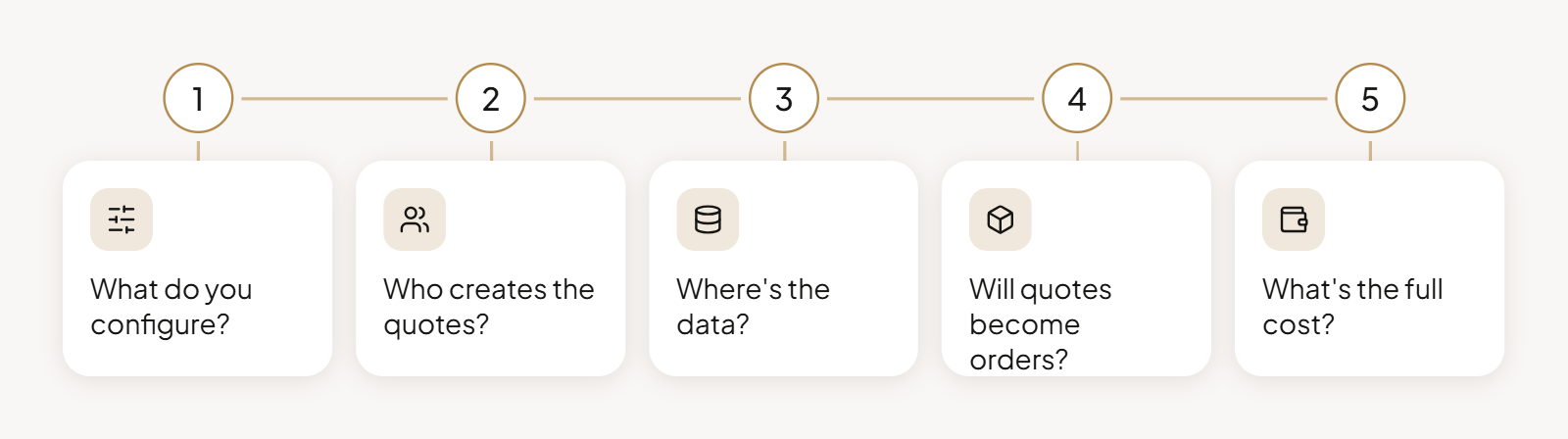
A manufacturer selling custom-built equipment has different requirements from a distributor negotiating contract prices with hundreds of customers. Before comparing CPQ systems, consider which business processes need the most attention.
1. Figure out how much product configuration you need
Some businesses need CPQ to prevent incompatible product combinations. Others have straightforward catalogs but complicated pricing.
If you manufacture configurable equipment, check whether the software enforces technical constraints and generates bills of materials. If pricing accuracy is your main concern, advanced engineering features may add little value.
2. Consider who creates and approves quotes
Does every quote go through a sales representative, or can customers and channel partners negotiate independently?
When comparing CPQ platforms, check:
- Quote creation: Can customers request quotes online, improving their buying experience?
- Approvals: Can sales reps adjust prices, and who authorizes discounts?
- Visibility: Does the CPQ workflow preserve previous customer interactions and quote revisions?
Also check whether external users need additional licenses.
3. Check where pricing and product data come from
Your ERP may hold the pricing data and product availability information that CPQ needs.
How does the software handle customer contracts or different units of measure? What happens if prices change between creating and accepting a quote?
Check how information moves between CPQ and your existing platforms. Outdated prices can cause errors and delays.
4. Follow the quote all the way to the order
Generating quotes faster won’t improve sales efficiency much if order processing still requires manual work.
Check what happens after acceptance:
- Quote-to-order: Can approved quotes become orders while preserving negotiated prices?
- Purchase orders: Can the system match a fully detailed purchase order to an existing quote?
- Revisions: Can sales reps update quotes while preserving negotiation history?
These details can delay closing deals and even contribute to lost deals.
5. Look beyond the license price
A business with 30 sales reps has different requirements from one supporting 300 dealers. Check licensing costs for everyone who needs access, including external users.
Then consider how you’ll measure success. Are you looking to improve sales velocity, reduce quoting errors, or gain better visibility into your sales pipeline?
If accurate forecasting matters, check how quote changes appear in your CRM. These are useful measures when evaluating CPQ’s contribution to revenue growth.
Bring Quoting and B2B Commerce Together with OroCommerce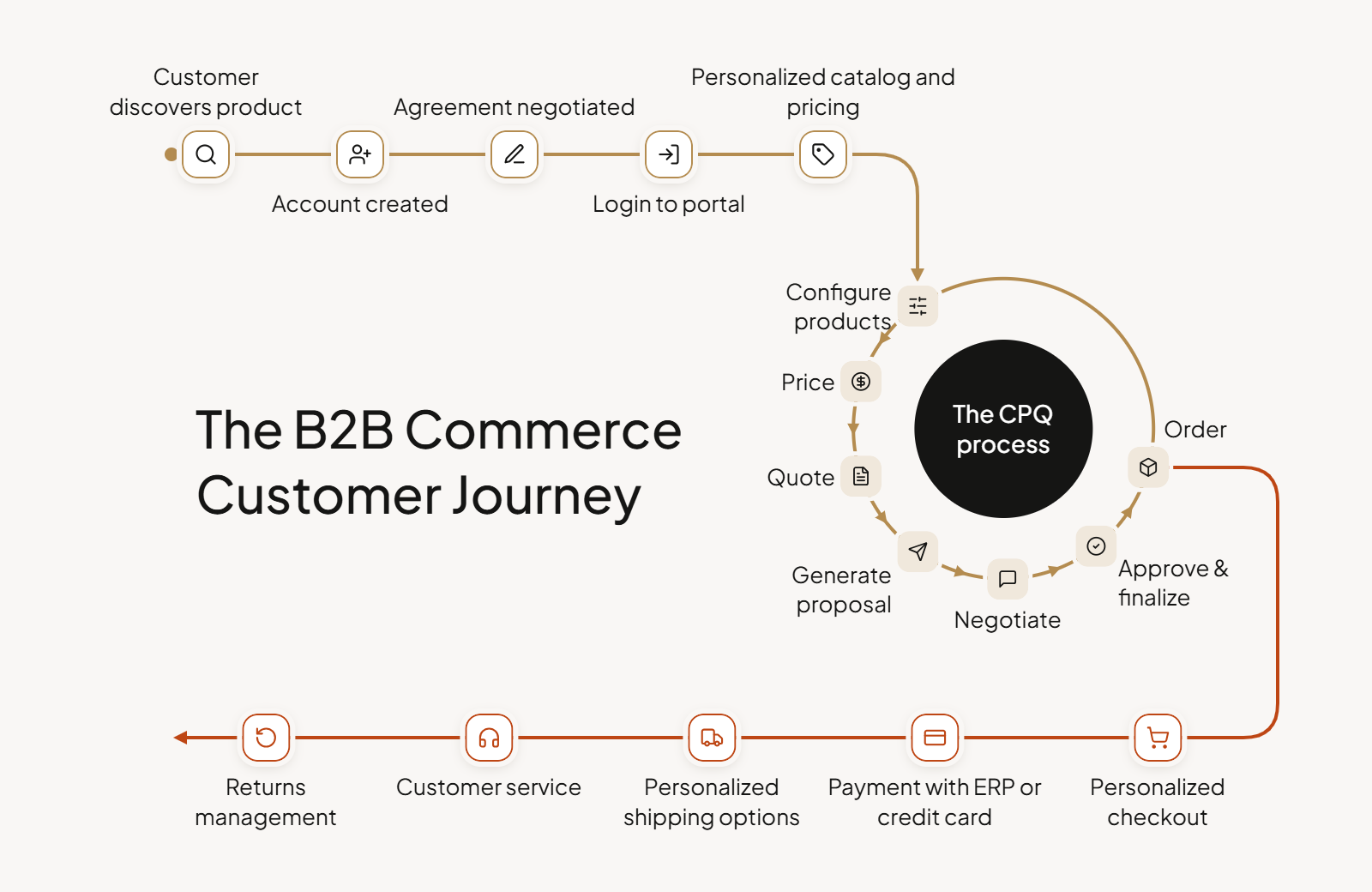
One of the questions we raised earlier was whether CPQ should live in your CRM, ERP, or eCommerce platform. For manufacturers and distributors investing in online sales, there’s a good argument for keeping quoting where customers already place orders.
According to Gartner, 67% of B2B buyers prefer a sales rep-free experience. That doesn’t mean they never want to speak with someone. But they do want more control over how they buy.
OroCommerce is a B2B eCommerce platform with built-in CRM and CPQ capabilities. Having these capabilities together offers a few advantages:
- One buying experience: Customers can manage quotes alongside their regular purchases, rather than switching between separate systems.
- Less administrative work for sales: Routine quote requests can start online, leaving sales reps more time for negotiations and customer relationships.
- Consistent pricing across channels: Quotes and orders use the same pricing rules, reducing the need to maintain separate logic for online and sales-assisted purchases.
And because CRM, CPQ, and commerce are included under one license, businesses can avoid licensing separate products to support these processes.
How HKL Increased Online Quote Requests by 23%
For German construction equipment supplier HKL Baumaschinen, quoting is a big part of the rental business. Each request comes with its own requirements, from rental periods to equipment accessories. Previously, these inquiries were handled individually by customer advisors, often requiring additional back-and-forth.
With OroCommerce, customers can submit detailed rental quote requests online. Since launch, HKL has seen:
- 23% more online rental quote requests, with customers submitting their requirements through the portal.
- 27% growth in online product orders, with rentals and sales now running on the same platform.
- Less manual follow-up for sales teams, as customers provide the necessary details upfront.
Could Integrated CPQ Work for You? Every B2B sales process has its quirks. Let's talk about yours.
Final Thoughts on Configure Price Quote Software
The best configure, price, quote (CPQ) software for your business depends on your product complexity and the role quoting plays in your sales process and customer experience.
Some CPQ solutions are better suited to complex product configurations, while others focus on subscription pricing or bringing quotes into the B2B eCommerce experience. Each approach has its place.
Before making a decision, consider what the CPQ software offers beyond generating quotes. How well does it work with your existing systems? Can it support the way your customers prefer to buy? And will it help your team increase deal velocity?
The right choice should fit your business processes today and give you room to adapt and increase revenue potential as your sales channels evolve.